HEARING
AID APP
Home
FAQ
Blog
How to Use
More
What’s New
Press
Hearing Statistics
English
English
العربية
简体中文
繁體中文
Français
Deutsch
עברית
हिन्दी
Indonesia
Italiano
日本語
한국어
Melayu
Polski
Português
Русский
Español
Svenska
ภาษาไทย
Türkçe
Tiếng Việt
Video Guide
How to use
Petralex
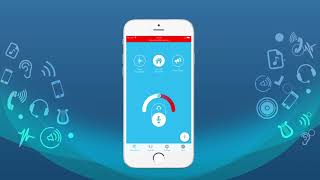
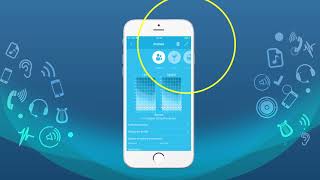
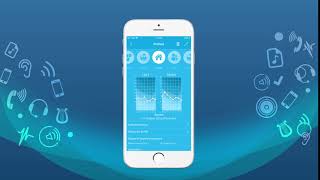
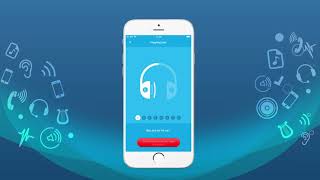
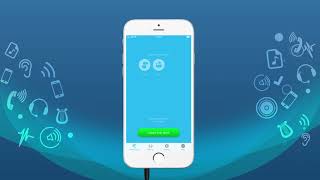
Step-by-step video tutorials covering everything from first launch to advanced settings.
iOS
Android
Hearing Test
2.1
Read the instructions
2.2
Adjust maximum volume
2.3
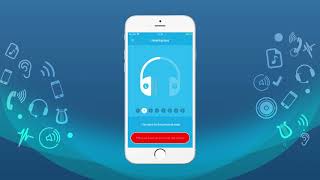
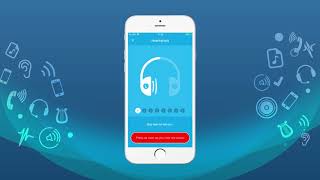
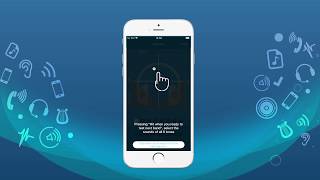
Run the hearing test
2.4
Skip left ear test
2.5
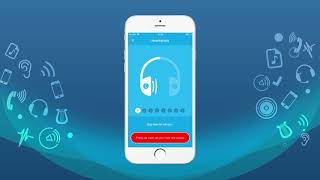
First tone signal display
2.6
Go back on mistakes
2.7
End of testing
2.8
Noise level
App Settings
3.1
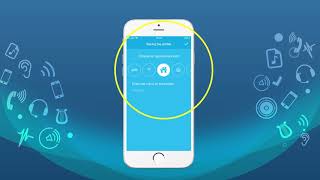
Choose the microphone
3.2
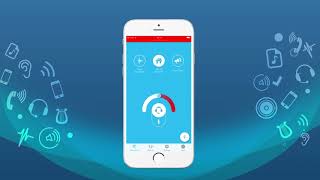
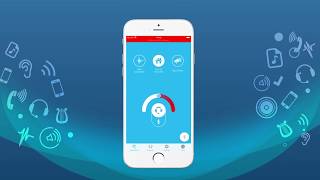
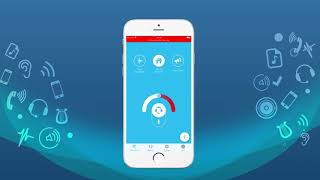
Microphone sensitivity & volume
3.3
Switch the profile off
3.4
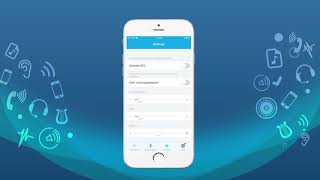
Using the Settings section
3.5
Amplification of quiet sounds
3.6
Choose amplification formula
3.7
Acoustic feedback suppression
3.8
High / low frequency adjustment
3.9
Send feedback
3.10
Purchases
3.11
Adjust lower hearing thresholds
3.12
Balance between ears
Bluetooth
4.1
Using Bluetooth headphones
4.2
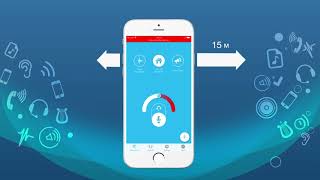
Remote listening
Extended Testing
5.1
Introduction to extended testing
5.2
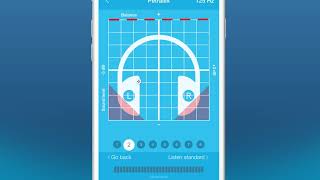
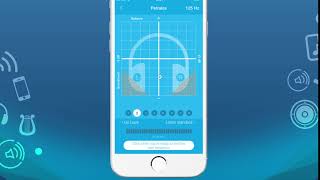
Testing a single frequency
5.3
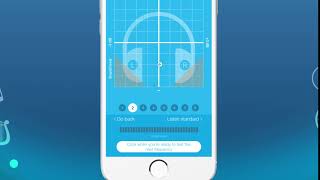
Go back on mistakes
5.4
Listen to example tone
Profiles
6.1
Creating, editing & deleting profiles
6.2
Create a new hearing profile
6.3
Edit a profile
6.4
Delete a profile
6.5
Profiles for different environments
6.6
Profile for a new headset
6.7
Choose & manage profiles
Audio Recorder
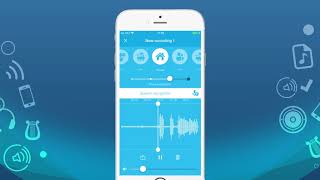
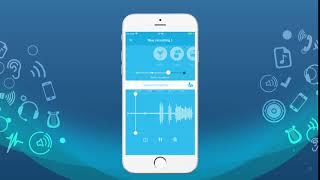
7.1
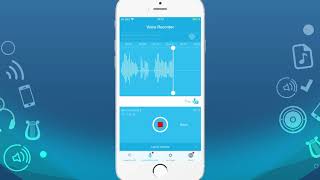
Record ambient sound automatically
7.2
Record a fixed segment
7.3
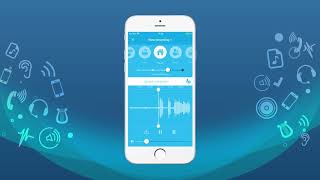
Delete a recording
7.4
Enable noise suppression on recording
7.5
Change hearing profile for recording
Hearing Test
2.1
Read the instructions
2.2
Adjust maximum volume
2.3
Run the hearing test
2.4
Skip left ear test
2.5
First tone signal display
2.6
Go back on mistakes
2.7
End of testing
App Settings
3.1
Choose the microphone
3.2
Microphone sensitivity & volume
3.3
Switch the profile off
3.4
Using the Settings section
3.5
Amplification of quiet sounds
3.6
Choose amplification formula
3.7
Acoustic feedback suppression
3.8
High / low frequency adjustment
3.9
Send feedback
3.10
Purchases
3.11
Adjust lower hearing thresholds
3.12
Balance between ears
Bluetooth
4.1
Using Bluetooth headphones
4.2
Remote listening
Extended Testing
5.1
Introduction to extended testing
5.2
Testing a single frequency
5.3
Go back on mistakes
5.4
Listen to example tone
Profiles
6.1
Creating, editing & deleting profiles
6.2
Create a new hearing profile
6.3
Edit a profile
6.4
Delete a profile
6.5
Profiles for different environments
6.6
Profile for a new headset
6.7
Choose & manage profiles
Audio Recorder
7.1
Record ambient sound automatically
7.2
Record a fixed segment
7.3
Delete a recording
7.4
Enable noise suppression on recording
7.5
Change hearing profile for recording